We are here to help!
EIT provides information technology support to the faculty, staff, and students of the A. James Clark School of Engineering.
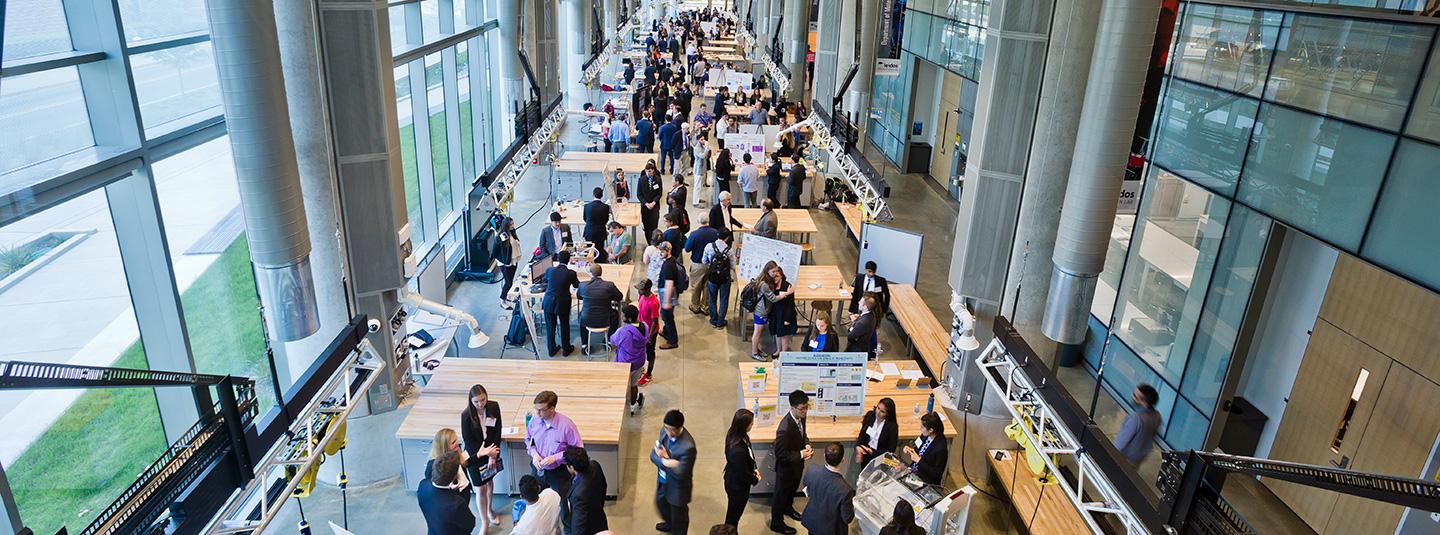
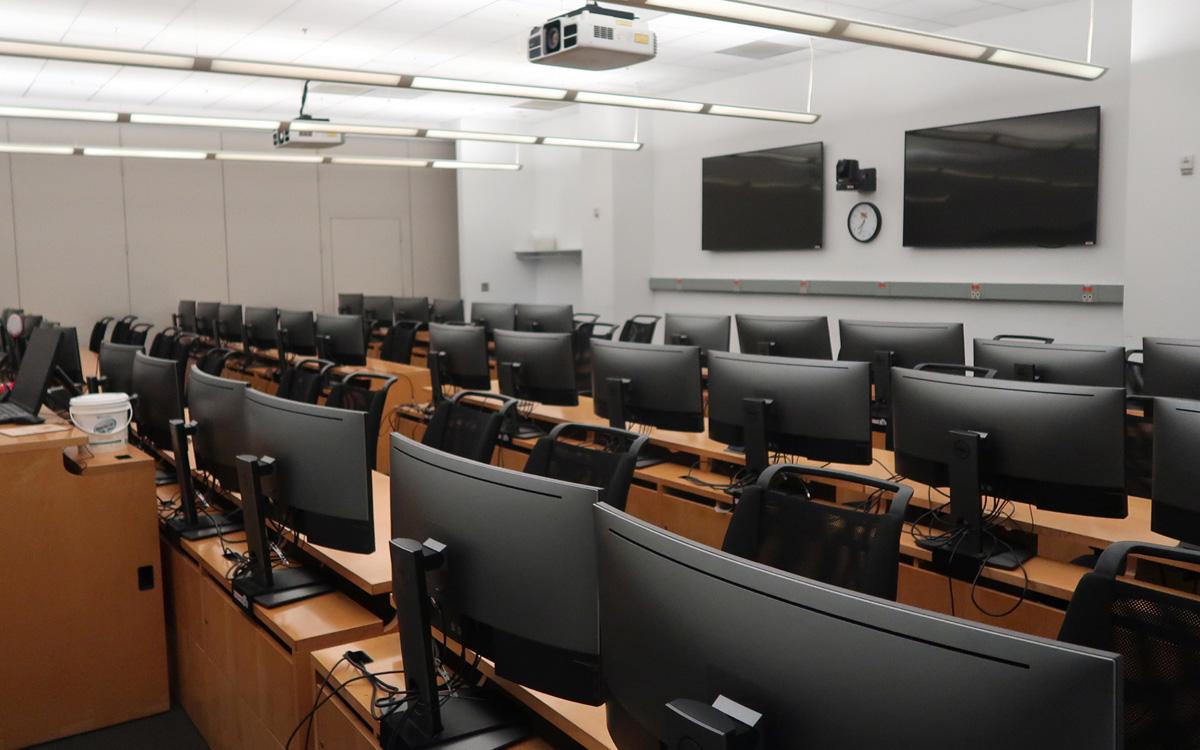
Technology equipped classrooms and conference facilities
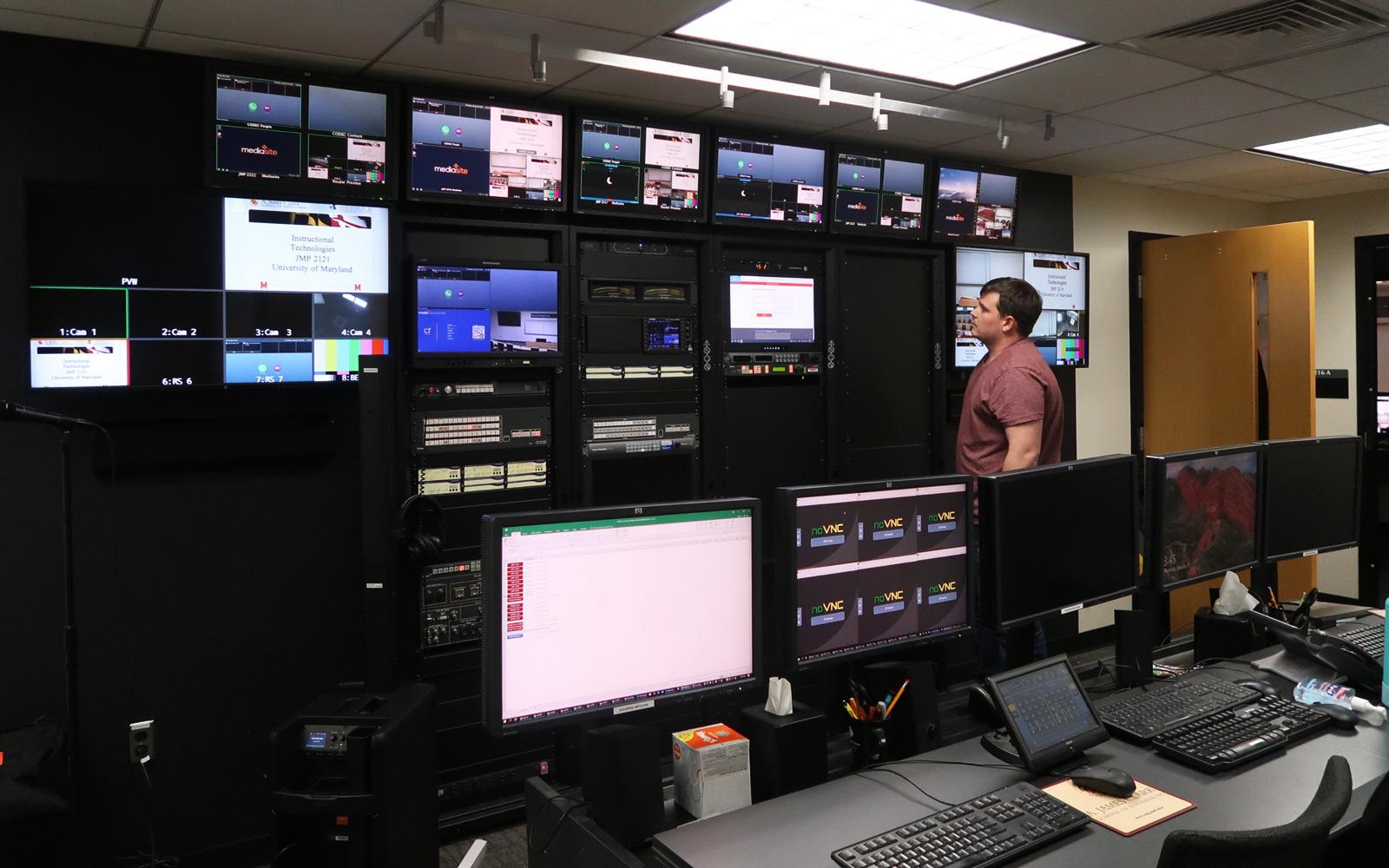
Students employed at EIT
Student Seats for computer labs, both physical and virtual
Knowledge Base Top Docs of the Week
Clearing Browser Cache and Cookies
This document explains where to find instructions on how to clear cache and…
Chrome (Windows) - Clearing Cache and Cookies
This document explains how to clear the cache and cookies in Google Chrome.…
Internet Explorer 9, 10, and 11 (Windows) - Clearing Cache and Cookies
This document explains how to clear the cache and cookies in Internet…
Chrome (Mac) - Clearing Cache and Cookies
This document explains how to clear the cache and cookies in Google Chrome.…
Opera (Windows) - Clearing Cache and Cookies
This document explains how to clear the cache and cookies in Opera 9…
Opera (Mac) - Clearing Cache and Cookies
This document explains how to clear the cache and cookies in Opera.…
Safari (iOS) - Clearing Cache and Cookies
This document explains how to clear Safari's cache and cookies on iOS.…
Android 15 (Vanilla Ice Cream) - Clearing Cache and Cookies on Google Chrome
This document explains how to clear the cache and cookies of Google Chrome…
Internet Explorer 7 (Windows) - Clearing Cache and Cookies
This document explains how to clear the cache and cookies in Internet…
Internet Explorer (Windows Phone) - Clearing Cache and Cookies
This document explains how to clear the cache and cookies in Internet…
Firefox (Mac) - Clearing Cache and Cookies
This document explains how to clear the cache and cookies in Mozilla…
Student Support
Details that will be helpful for students...
Learn how to run computer lab software applications from your own desktop....
Visit here for a list of all computer labs in the Clark School of Engineering...
WEPA (Wireless Everywhere Print Anywhere) is a wireless printing service...
Read about our recommendations for computing components.
Faculty/Staff Resources
Items for help and support for faculty and staff..
Administrative web portal for faculty and staff in the Clark School of Engineering..
Visit the Clark school faculty engine to update your profile..
The UMD campus provides an easy to use web hosting platform on WordPress to help faculty..
ELMS resources for all instructors and TAs..
Quick Links
For all your printing, scanning, binding needs..
Connect using the umd-guest network..
Access to services for sponsored guests..
CrashPlan for backing up laptops and desktops..
The campus VPN allows access from anywhere to Campus and departmental resources..